
You are in a leadership meeting and someone asks a simple question. “We are paying for AI. Are we actually using it?” You pause, because you are not sure. You know the tools are in there somewhere. You just are not certain which ones are switched on, who they help, or whether anyone is getting value from them.
If that sounds familiar, you are in good company. RingCentral has been shipping AI features faster than most teams can track them. The hard part is no longer finding AI. It is understanding what each tool does, who it is built for, and whether it is already sitting in your environment waiting to be used.
Here is a plain-language guide to RingCentral’s current AI portfolio, tool by tool, with a quick note on who each one is best for. The goal is to help you tell what is worth your attention. The real challenge is rarely the feature list. It is knowing what you already have, what is worth turning on, and what your team actually needs. That is the part worth getting right, and you do not have to figure it out alone.
The Framework: Automate, Assist, Analyze
RingCentral organizes its AI around three actions: Automate, Assist, and Analyze. Each one covers a different part of how your team handles work, with specific tools built for each.
Two quick definitions before we start. UCaaS, or Unified Communications as a Service, means your phone, video, messaging, and meetings run together in the cloud. CCaaS, or Contact Center as a Service, is the cloud software a support or service team uses to handle high volumes of customer contacts.
AI Receptionist (AIR): Automate
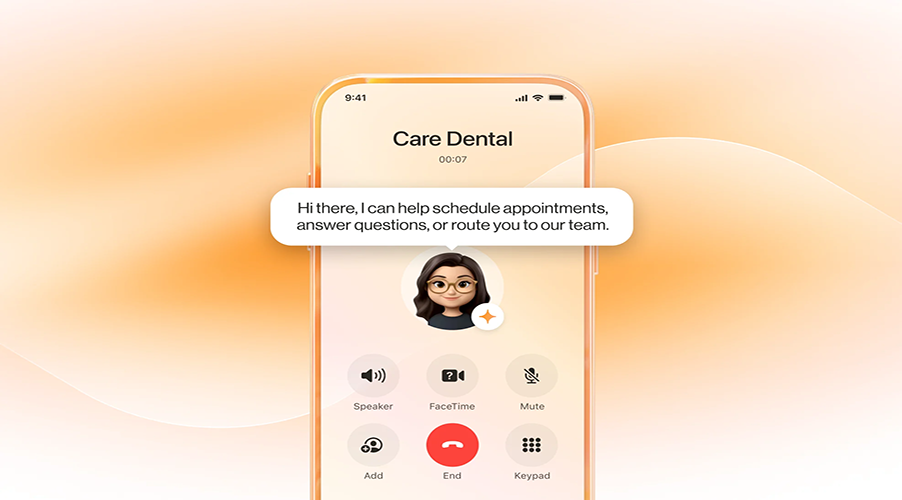
AIR makes sure no call or text goes unanswered. It works around the clock, greeting people, routing them, handling self-service, capturing leads, and booking appointments. It started as a voice tool, but it has grown well past that. AIR now responds to inbound texts around the clock, steps in to handle call queue overflow when agents are unavailable, and integrates with tools like Shopify, Calendly, WhatsApp, Outlook, and Google. It also detects and switches between languages in real time.
AIR can also be configured for specific department needs, like Sales, Service, or Support, so the same tool can handle a smart front desk or a self-service entry point for a particular team.
Adoption has moved fast. More than 11,800 businesses now use AIR, and its install base grew about 40 percent in a single quarter.
Best for: Front desks, main lines, and any team missing calls or texts or leaning on one person to answer and route everything. If inquiries slip through after hours or during busy stretches, this is where to start.
AIR Pro: AI Agents for the Contact Center
Where AIR is RingCentral’s AI Receptionist, AIR Pro is its AI Representative. The shift is a meaningful one.
AIR is built for fast-to-deploy, simple voice AI use cases like answering calls, routing, capturing leads, and scheduling appointments. It is plug-and-play, live in minutes, and focused on reducing missed calls, missed leads, and repetitive front-desk work.
AIR Pro is built for more advanced, customizable, omnichannel AI workflows. It supports deeper automation, multi-step workflows, and integrations with CRM, EHR, and other business systems. Autonomous agents handle interactions across voice, SMS, chat, and digital channels, completing service tasks end to end.
A simple way to think about it: AIR handles the front door of the business. AIR Pro handles complex end-to-end workflows. AIR is fit-to-purpose and optimized for common receptionist-style tasks. AIR Pro extends that foundation into a broader platform for building intelligent agents that can understand intent, apply business logic, and take action across systems.
AIR Pro launched on March 10, 2026 and is still rolling out. Today it is available to selected US businesses in a controlled release, with a broader rollout expected later in the year. The first industry template focuses on healthcare, with more verticals planned. One thing to weigh: it is a premium add-on, so the cost can climb quickly for smaller teams.
Best for: Growing teams that have outgrown basic AI and need more control, customization, and broader workflow automation at scale. Worth evaluating now if you want to be early, with full availability still ahead.
AI Virtual Assistant (AVA): Assist
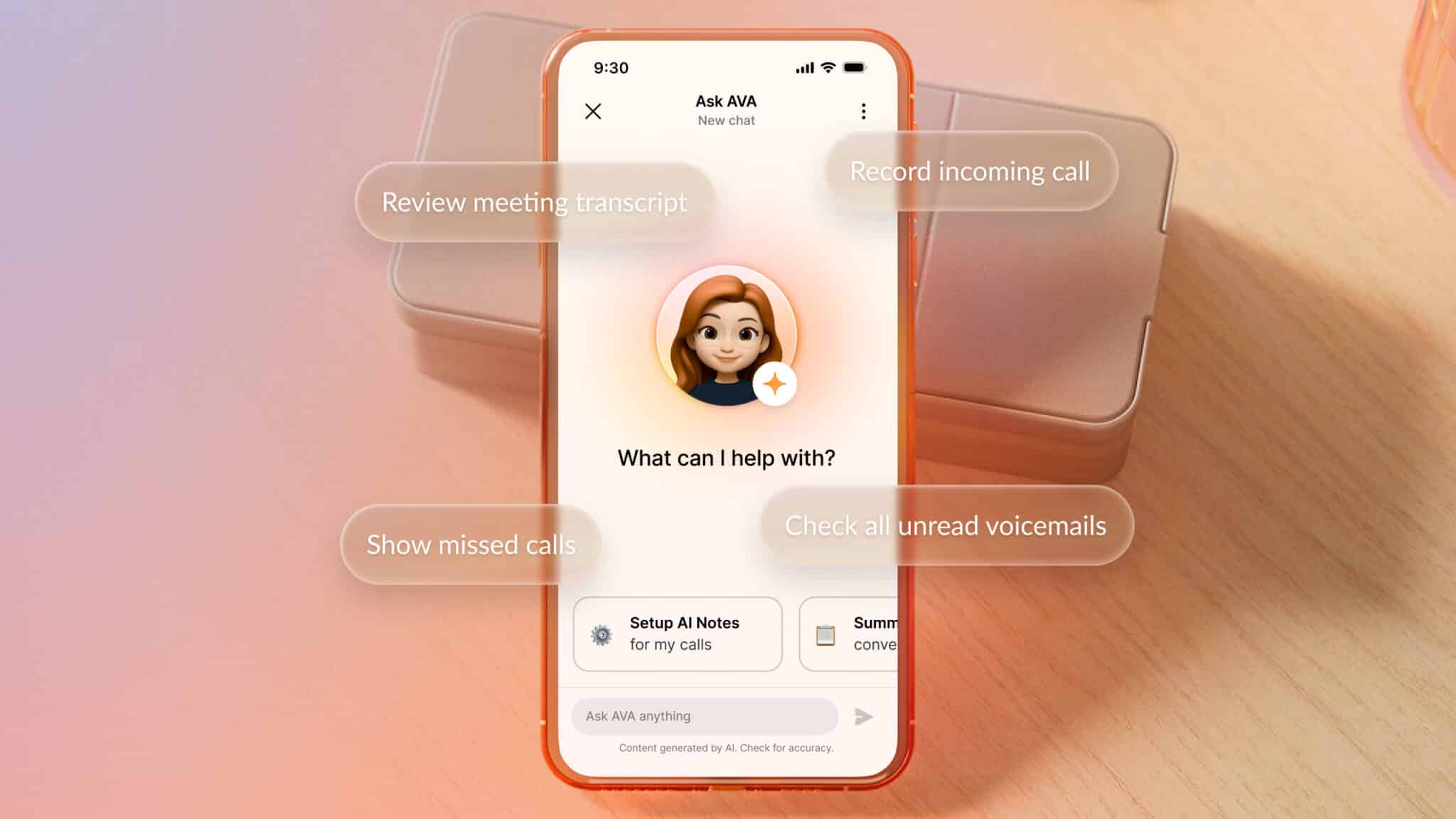
AVA acts as an AI coworker during and around conversations, helping employees work faster and capture more of what happens. Today it covers a growing set of capabilities, with more rolling out through 2026 and into 2027.
Currently available:
-
AI Generated Notes and Transcriptions across all RingEX license tiers, so your team gets accurate written records and key points from meetings and calls regardless of plan
-
AI Writing tools included with the Advanced tier and higher, which help draft messages, summarize content, and clean up drafts
-
Message thread AI summaries, so anyone catching up on a long chat does not have to scroll endlessly
Still ahead: the full power of AVA, including real-time in-conversation guidance and broader live assistance, is expected to reach general availability in late Q4 2026 or early Q1 2027. If you want to be in front of those capabilities, it is worth asking your RingCentral team about early access as it expands.
Best for: Frontline staff who could use better notes and faster writing today, and any team looking ahead to real-time in-conversation help as those features become generally available.
AI Conversation Expert (ACE): Analyze
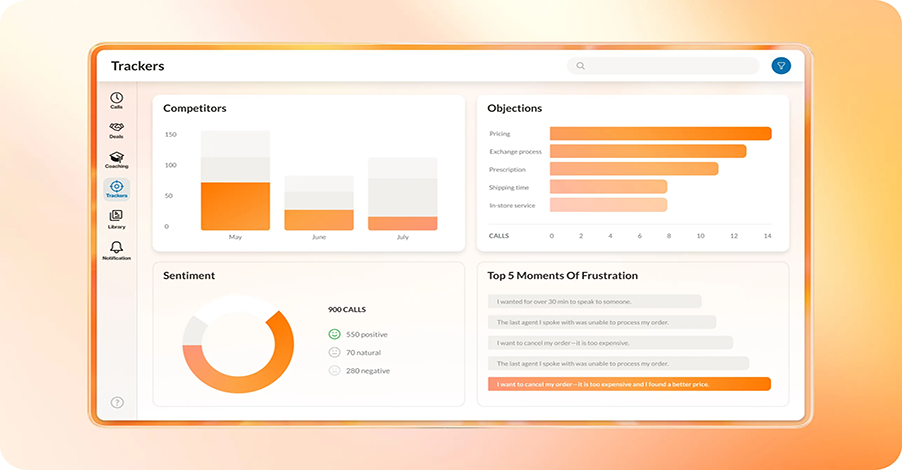
ACE reviews recorded interactions and surfaces performance trends, coaching opportunities, and satisfaction insights, all without anyone listening to calls manually. It is available to all RingCentral customers, with its deeper Insights capabilities expanding through 2026.
Best for: Team leads and managers who are responsible for coaching but do not have time to sit through call recordings.
Most organizations are using AI in some form, but only about 16 percent have it deployed at scale. The gap is rarely the technology. It is knowing what you already have and putting it to work.

Customer Journey Analytics and AI Interaction Analytics: closing the gap between teams
Customer Journey Analytics links data across your UCaaS and CCaaS systems, giving supervisors a complete view of every customer interaction no matter which system touched it. It comes at no extra charge for RingCX customers. A newer capability, AI Interaction Analytics, adds sentiment analysis and predictive satisfaction scores so leaders can catch problems before they grow.
Best for: Supervisors who lose the thread when a customer bounces between teams or systems and the context does not follow them.
AI Quality Management: Consistency at Scale
AI Quality Management reviews 100 percent of interactions and gives managers AI-generated insights for targeted coaching, including automated scorecards and recommendations. It sits inside RingWEM alongside AI Workforce Management, AI Interaction Analytics, and Screen Recording as one connected suite within RingCX.
Best for: Teams running a formal quality program that can only spot-check a handful of calls today and want full coverage instead.
AI Workforce Management: Smarter Staffing
AI Workforce Management uses predictive scheduling and AI-driven staffing models to right-size your headcount. RingCentral added it following the acquisition of CommunityWFM, and it was named a Leader in the IDC MarketScape for AI-Enabled Contact Center Workforce Engagement Management for 2025 and 2026.
Best for: Supervisors who lose hours building schedules by hand and end up guessing at how many people they need.
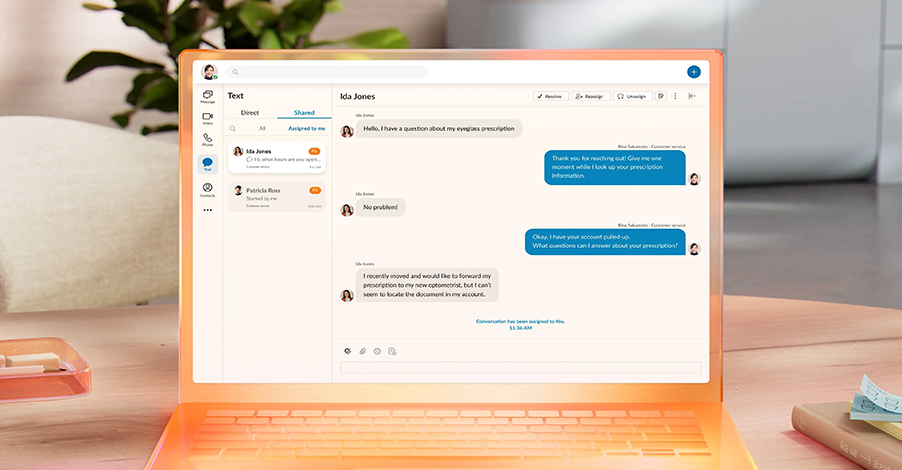 Customer Engagement Bundle: Contact Center Capabilities Without the Complexity
This bundle brings together everything in RingEX plus SMS and Call Queue add-ons in one package, with intelligent queue management, shared SMS inboxes, real-time reporting, and AI assistance included. It now folds in AIR for shared SMS inboxes and call queues, and it extends to Microsoft Teams, putting voice, SMS, intelligent routing, and AI insights right inside Teams.
Best for: Teams that field customer questions alongside their regular work but do not need a full contact center deployment.
Where to Start
Not every tool fits every team. Here is a quick way to match the problem to the tool.
-
Missing inbound calls or texts, or relying on manual answering: start with AIR.
-
Complex multi-step service workflows that need to act across systems: evaluate AIR Pro.
-
Better notes, transcriptions, and writing help today: AVA covers it. Watch for the broader real-time capabilities as they reach GA.
-
Coaching that takes too long because nobody has time to listen to calls: ACE surfaces it automatically.
-
Quality checks that are manual and inconsistent: AI Quality Management automates them across every interaction.
-
Customer context getting lost between teams: Customer Journey Analytics closes that gap.
-
Light contact center features without a full build: the Customer Engagement Bundle is worth a look.
-
Scheduling and staffing are eating up supervisor time: AI Workforce Management takes that off your plate.
The First Move is Knowing What You Have
Most RingCentral customers are not using everything they already pay for. These features depend on specific plans, add-ons, and settings that are often off by default. So the smartest first step is simple. Find out what is live in your environment and what is worth switching on.
That is exactly where a neutral advisor helps. We will map what you already have, sort out what fits your team, and build a plan to get value from it, without the pressure to buy anything you do not need.
Schedule a 15-minute environment review with one of our experts