

The quote for a full switch and access point refresh across every building comes back, and the IT Director does the math. This year’s budget can’t cover it, and the next cycle that could is two years away. The equipment, meanwhile, keeps aging.
Network-as-a-service (NaaS) offers another path. Instead of a large upfront purchase, you pay a recurring fee, and the provider handles much of the upkeep. In this blog, you’ll learn what NaaS is, how it compares to a traditional refresh, and what to ask before you sign.
What Is Network-as-a-Service?
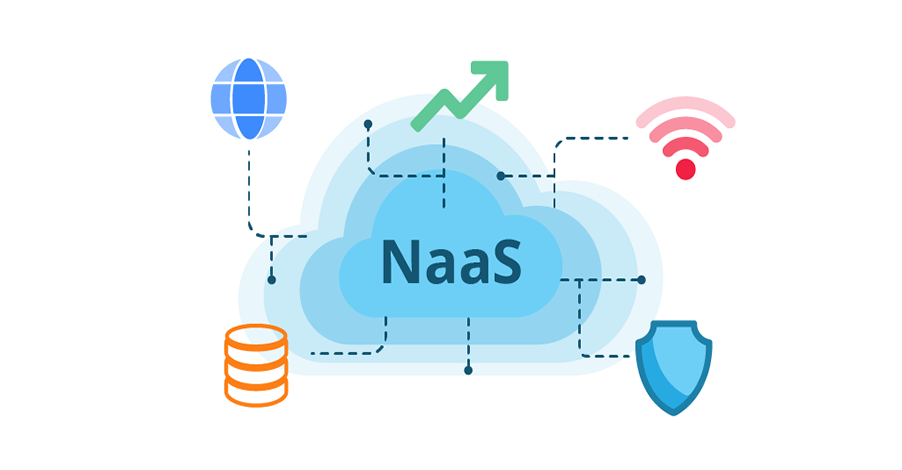
With NaaS, a provider owns all or part of the network equipment in your buildings and manages it for you over the life of the agreement. How much it covers varies by provider. Some take on the full environment, including switches, Wi-Fi access points, and firewalls. Others work alongside equipment you already own.
It’s the same shift many organizations made when they moved their phones to the cloud with Unified Communications as a Service, which delivers calling, messaging, and video meetings through one cloud platform. NaaS applies that idea to the network itself.
Why Organizations Consider It
-
Predictable costs: A monthly fee replaces a large one-time purchase.
-
Less work for small teams: The provider handles updates, repairs, and replacements.
-
Built-in refreshes: Your network does not fall behind between budget cycles
-
One point of contact: When something breaks, you call one provider.
Three Ways to Handle Your Next Refresh
NaaS isn’t the only alternative to doing everything yourself. Many organizations land in the middle with a managed or co-managed refresh, where you buy the equipment and a partner helps run it alongside your team
| Factor | Network-as-a-Service | Managed or Co-Managed Refresh | Owning and Running It Yourself |
| Cost | Recurring monthly fee | Equipment purchase plus a management fee | Large upfront purchase |
| Equipment | Owned by the provider | Owned by you | Owned by you |
| Maintenance | Handled mostly by the provider | Shared with your partner | Handled by your team |
| Upgrades | Built into the service | Funded by you, planned with your partner | Funded and scheduled by you |
| Control | Shared with the provider | Shared, with your team setting priorities | Fully yours |
What to Weigh Before You Choose
NaaS changes more than how you pay. Three things are worth thinking through before you commit.
-
Day-to-day control. The provider handles more of the configuration. For a stretched team, that is the whole appeal. For a team that wants hands-on access to every setting, it is a real loss.
-
A fixed commitment. Owning your equipment lets you defer, phase, or stretch a refresh when budgets tighten. A subscription runs on a set term, so that flexibility shifts to the provider.
-
Total cost across the term. Monthly pricing is easier to budget, and over a full term it can still land higher than buying. Compare it against a purchase plus years of maintenance and support, not against the hardware quote alone.
What a NaaS Provider Actually Delivers
So what does a NaaS subscription actually include? Meter offers one example.
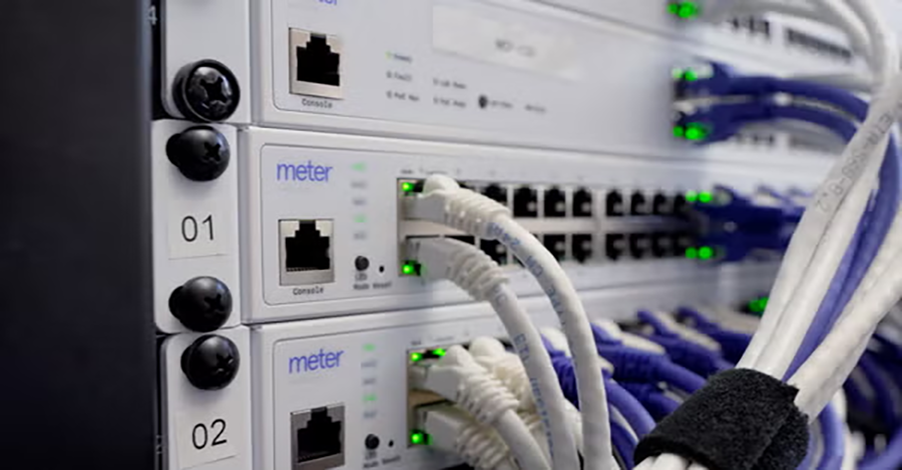
Meter designs the network for your buildings, supplies its own switches, access points, and firewalls, and then runs and monitors the network as part of the subscription. Depending on the plan, Meter either handles installation itself or ships the equipment for your installer to set up. Hardware refreshes are included, and everything comes in one monthly fee instead of separate purchases and a support contract.
That model comes with trade-offs. A provider built this way supplies the equipment, so it fits a full-building or full-campus change better than a phased, closet-by-closet upgrade. If your team wants hands-on control of every setting, or you are replacing equipment one building at a time, a managed refresh may be the better path.
Meter is one option, not the only one. Other providers deliver pieces of this model, and some focus on connectivity between sites rather than the network inside your buildings. The right fit depends on your buildings, budget, team size, and how much control you want to keep.
Questions to Ask Before You Sign
What’s included?
Confirm exactly what the monthly fee covers and what costs extra.
Can you buy it through a contract you already hold?
If you are in the public sector, ask whether the provider is available through cooperative purchasing contracts, which another agency has already competitively bid, so you can skip months of procurement work. If you are a school or library, also ask whether the service is E-Rate eligible. E-Rate is a federal program that discounts network costs for schools and libraries.
What happens when the contract ends?
This is the question that causes the most trouble later. Ask whether the equipment stays, gets removed, or can be bought out, and whether you keep a copy of your network configuration. Without it, switching providers or bringing the network back in-house can mean starting over.
Is NaaS Right for Your Organization?
NaaS can take real work off a small team and make costs easier to plan, but it also means sharing control and committing to aset term. The right answer depends on your buildings, budget, and goals.
Choosing a path shouldn’t mean running separate evaluations for network and voice or sorting out which provider is at fault when a call drops. Maverick Networks keeps both decisions in one conversation, so your team can move forward with confidence.
Talk to an expert to find the right path for your network.


.webp)